A photo for every project
Over a hundred photos in fourteen themes: sea, mountains, home, bikes, music… Or use your own photo, or just a colour.



 PocoPoco
App for iPhone
The piggy bank for your projects: a holiday, a bike, a gift. Pick the amount, add whenever you can, even €5. The app keeps count.
For iPhone with iOS 18 or later.
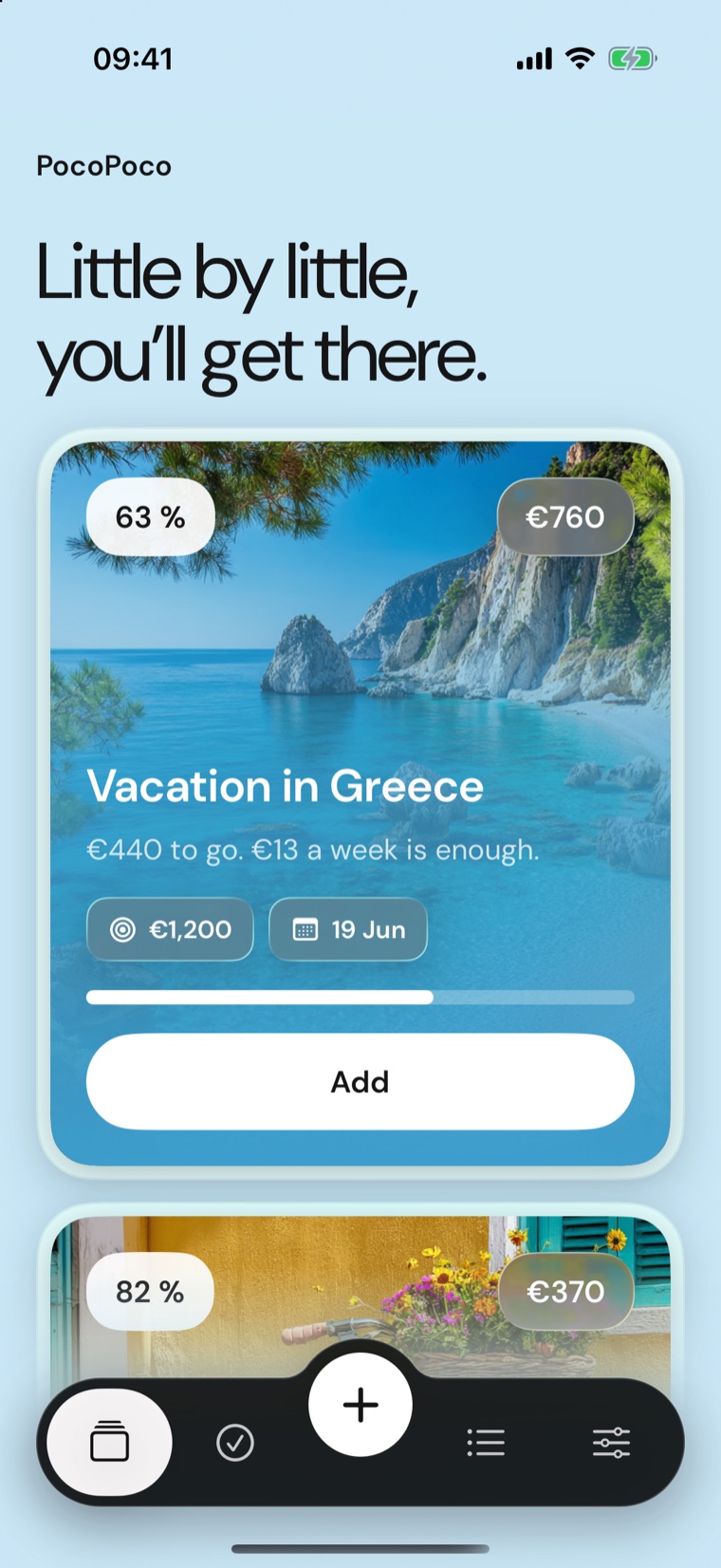
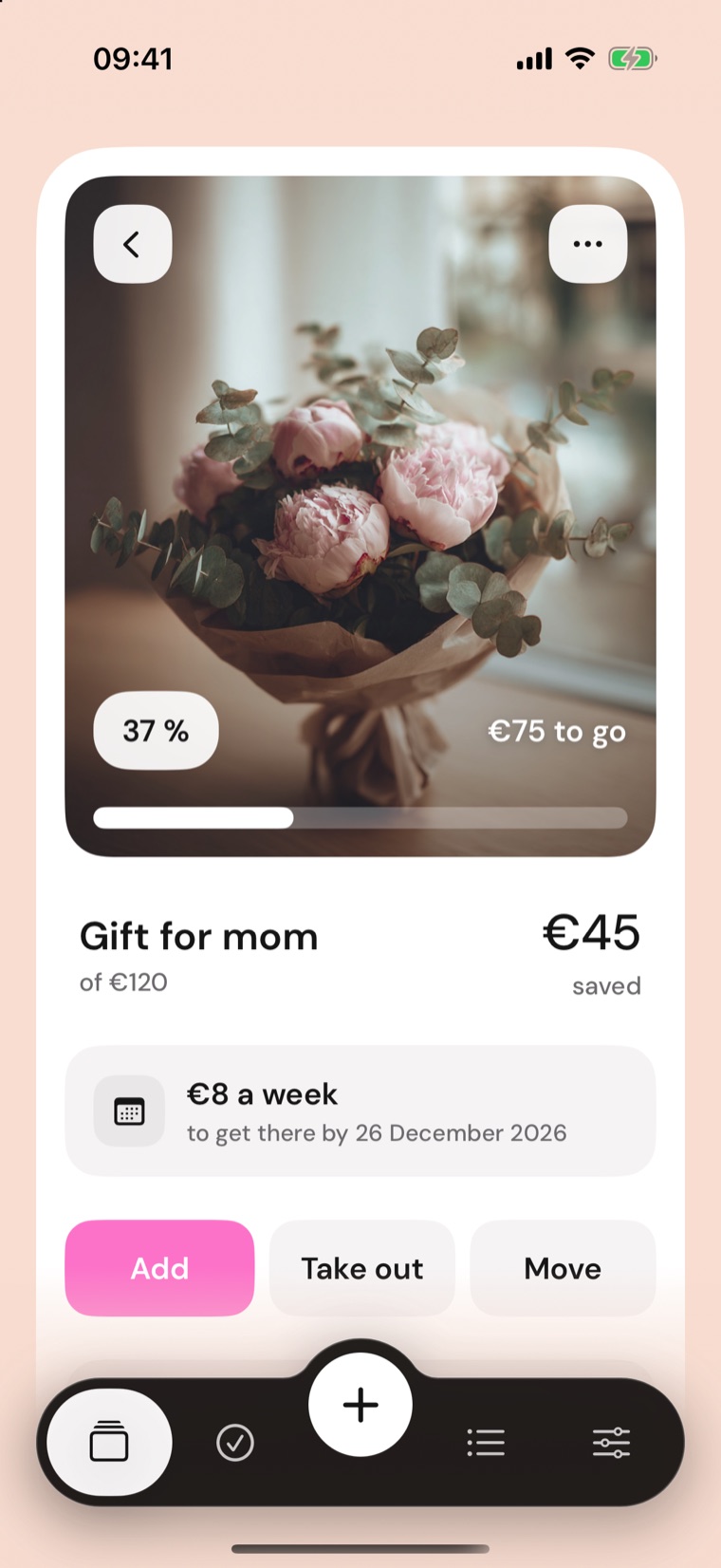
Name what you want, pick the amount and a photo. If you set a date, PocoPoco tells you how much to put aside each week.
A name, an amount, a photo of your own or from the library and, if you like, a date.
Even €5. The card fills up with every deposit.
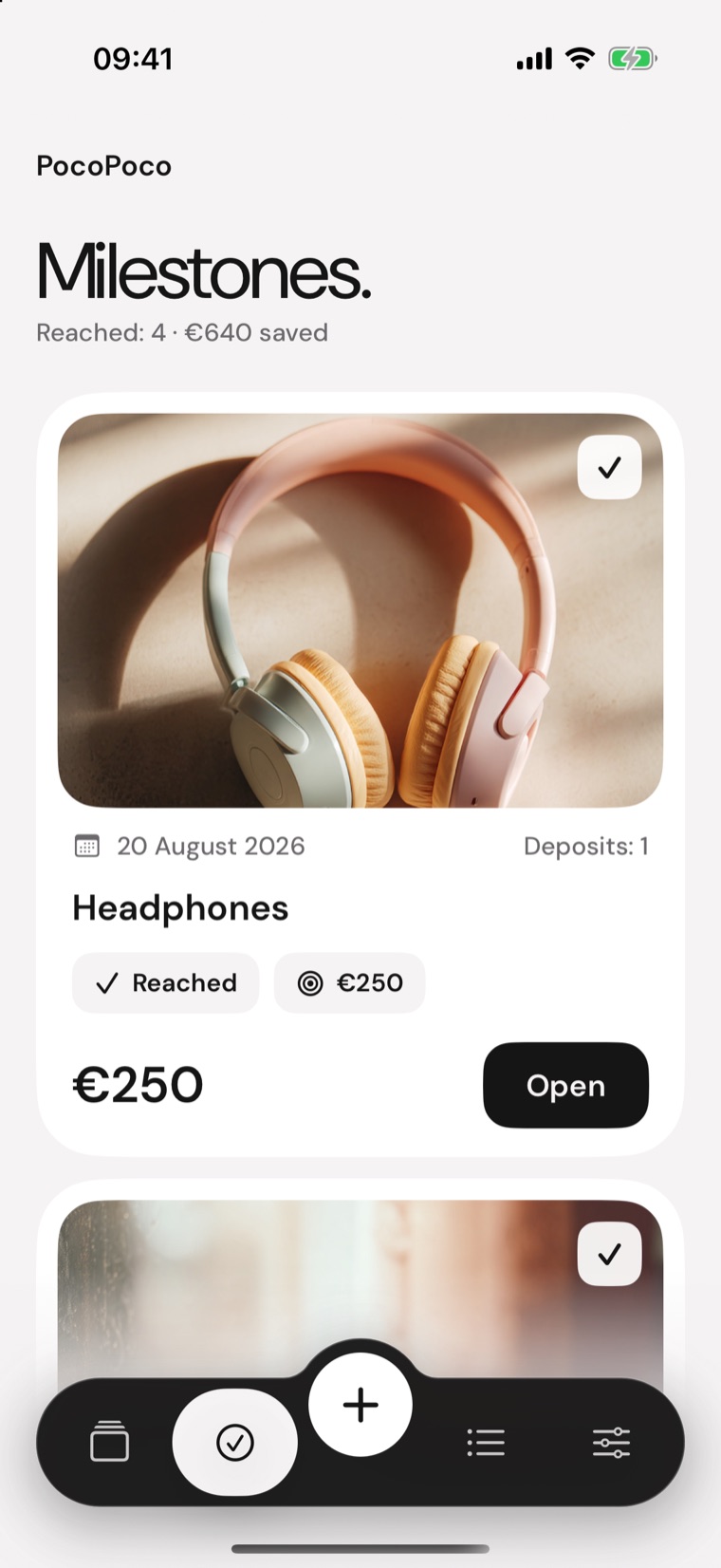
With a date you know how much to put aside each week. At the finish line, the project moves to Milestones.
A few things, done well: an app crafted down to the last detail.
Over a hundred photos in fourteen themes: sea, mountains, home, bikes, music… Or use your own photo, or just a colour.
Got a date? PocoPoco works out the amount to get there in time and, if you want, reminds you with a notification.
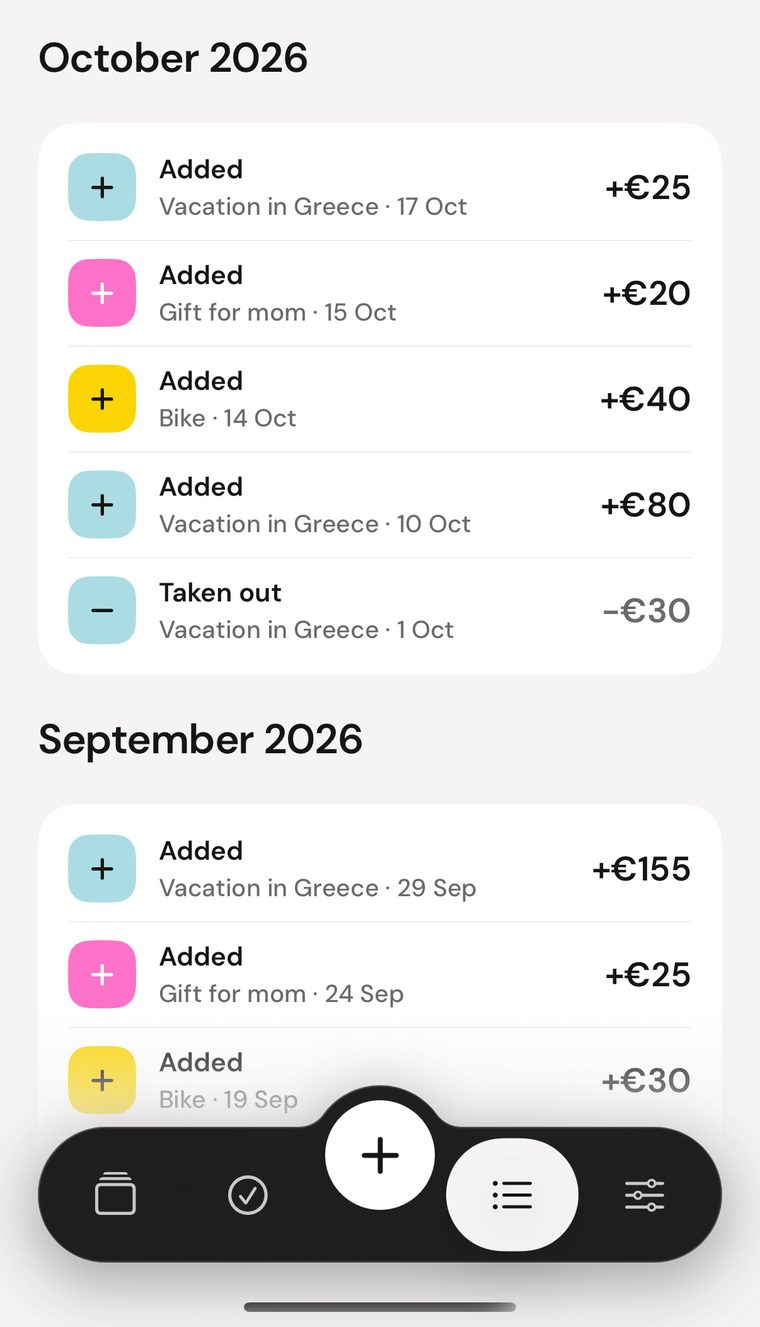
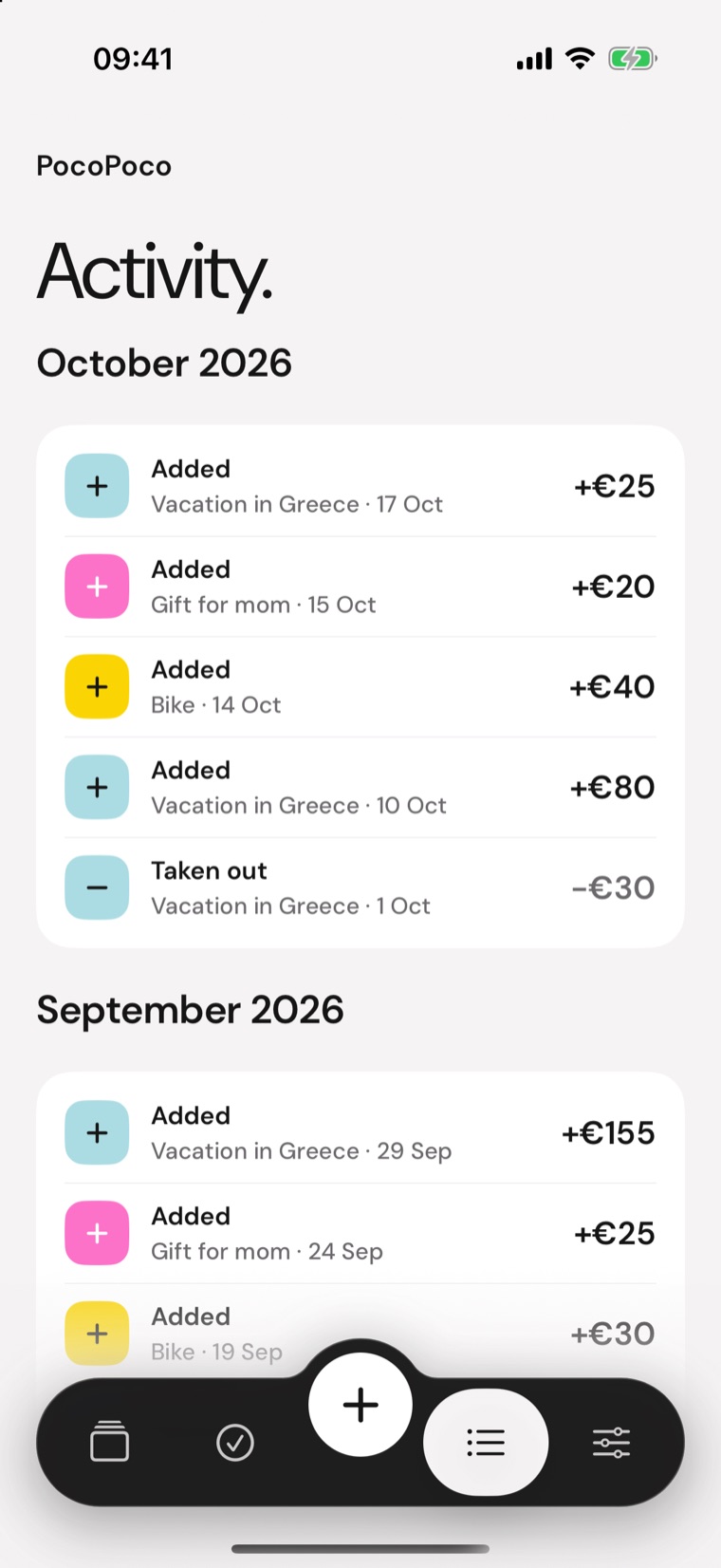
Put money aside, take a little back, or move it from one project to another. Every entry can be corrected and can carry a note.
One project always in view, or the three closest to the finish line.
PocoPoco never connects to your accounts and never moves money: you do the saving, the app keeps count. Your data stays on your iPhone.
Amounts are shown in the currency you choose.
Pick a colour for every project: drag the slider or tap a preset. The background, the card and the buttons follow.
Photo
Presets
Eight colour families in two tones, plus a slider to find the exact one.
Sea, mountains, home, bikes, music… or your own photo, or just a colour.
Pick the one you like for your Home Screen.
Follow your phone or choose.
You pay for PocoPoco when you download it and it's yours. No subscription, no in-app purchases.
No. There is no link to accounts or cards and the app never moves money. You put the money aside wherever you prefer and record it in PocoPoco.
No. Open the app and go. Your data stays on your iPhone, inside the phone's backup.
Yes. For each project you can pick your own photo, one from the library, or just a colour.
Tap the entry: you can correct the amount, date and note, or delete it.
Yes. In Settings choose from euro, dollar, pound and others. Only the symbol changes: the figures are not converted.
iPhones running iOS 18 or later.

